FlutterFlow vs Bubble: Which to Choose?
An architectural comparison of FlutterFlow and Bubble for cross-platform iOS and Android mobile apps, evaluating native rendering, state management, and lock-in.

Choosing between FlutterFlow and Bubble for a mobile-first startup comes down to a fundamental architectural divergence: native compilation versus web view wrapping. While both platforms allow teams to launch complex applications without writing manual backend code, their runtime environments, state management paradigms, and export capabilities dictate drastically different performance thresholds on iOS and Android devices.
Architectural Overview: Native Compilation vs. Web-Wrapped Rendering
FlutterFlow builds on top of Google's Flutter framework, compiling visual UI trees directly into native C/C++ code via the Dart AOT (ahead-of-time) compiler. On mobile devices, UI components are rendered using the Impeller engine, producing 60fps to 120fps graphics without relying on native platform widgets or browser engines. This underlying architecture yields near-zero runtime overhead for animations, gesture recognizers, and local device hardware access.
Bubble, by contrast, was engineered primarily as a full-stack web application builder running on a Node.js monolith backed by PostgreSQL. Mobile distribution relies on wrapping the web application inside a Progressive Web App (PWA) shell or a native container like WebKit on iOS and WebView on Android using tools such as BDK Native, Jasonette, or Wrapped. standard web technologies carry unavoidable latency when handling touch events, heavy client-side state manipulation, or offline data sync.
Because Bubble executes application logic within a remote server environment and re-renders via DOM updates over WebSocket connections, network latency directly affects UI response times. FlutterFlow executes app logic on the local client hardware, sending only background API payloads to external services or Supabase backends.
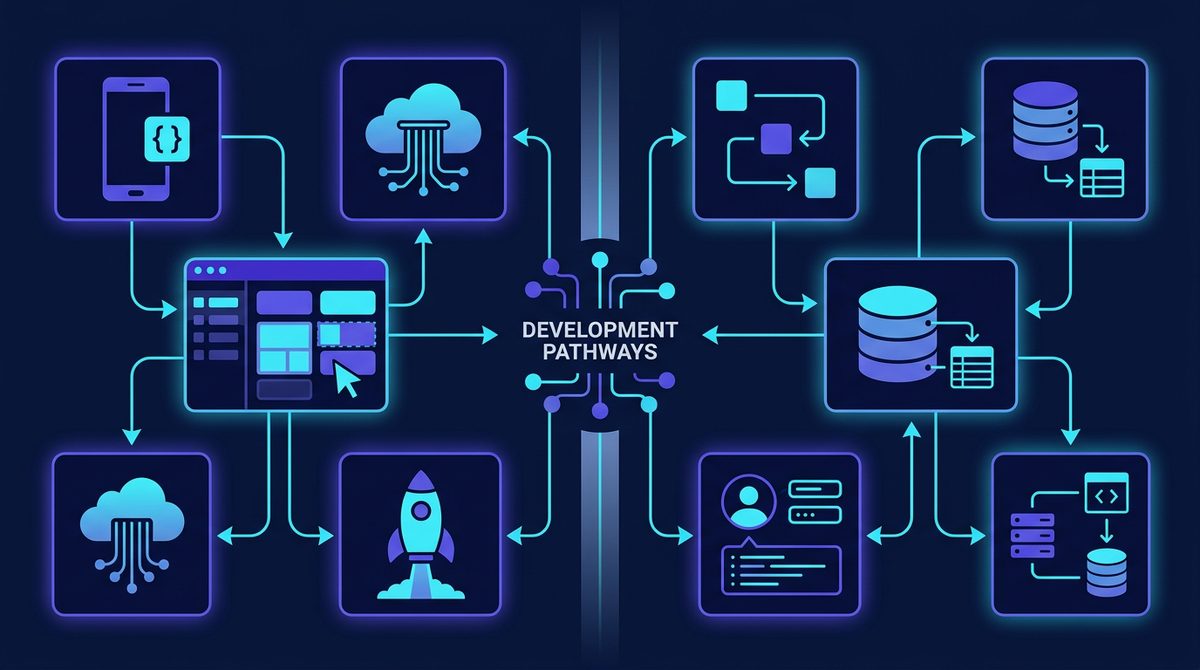
Data Architecture, State Management, and Vendor Lock-in
Data modeling in Bubble uses a managed relational structure tightly integrated with the platform's proprietary backend. database rules, privacy settings, and server-side workflows execute entirely inside Bubble's AWS environment. This unified architecture simplifies rapid prototyping but creates absolute vendor lock-in: you cannot export your backend logic or database schemas to run on custom infrastructure.
FlutterFlow adopts a decoupled backend architecture. You can connect directly to Firebase, Supabase, SQLite for local device caching, or any REST/GraphQL endpoint. State management utilizes standard Flutter patterns (Page State, Component State, and Global App State), letting developers manage ephemeral UI states locally without triggering unnecessary server queries.
- Code Ownership: FlutterFlow allows full Dart code export at any tier, enabling developers to eject from the platform and host the codebase independently in GitHub. Bubble does not support underlying code exports.
- Offline Support: FlutterFlow supports local SQLite databases and offline state persistence out of the box. Bubble requires an active internet connection to evaluate workflows and query data.
- Hardware API Access: FlutterFlow interacts natively with CoreBluetooth, Biometrics, Push Notifications, and background location services through custom Flutter Pub packages. Bubble requires bridge plugins that communicate across the WebKit/WebView boundary.
Performance and Mobile UX Benchmarks
The operational divide between native execution and web views becomes stark when comparing key mobile usability metrics. The following comparison highlights structural hardware and rendering differences between both platforms.
| Architectural Metric | FlutterFlow (Native Dart/Flutter) | Bubble (Wrapped Web App) |
|---|---|---|
| Rendering Engine | Impeller / Skia (Hardware Accelerated) | WebKit / Android WebView (DOM/HTML Canvas) |
| Frame Rate Target | Consistent 60–120 FPS | 30–60 FPS (Vulnerable to DOM jank) |
| Source Code Export | Yes (Clean Dart/Flutter repository) | No (Proprietary JSON runtime engine) |
| Backend Dependency | Decoupled (Supabase, Firebase, Custom APIs) | Coupled (Bubble Proprietary AWS Monolith) |
| App Store Compliance | Native binary (.ipa / .aab) | Wrapped web binary (Requires extra setup) |
Cost Structures and Scale Economics
Bubble charges base plan fees combined with Workload Units (WU), a proprietary metric that measures database operations, server-side workflow executions, and page requests. While ideal for web-centric SaaS MVPs, mobile applications with high client-to-server ping frequencies (such as live geolocation tracking or real-time chat) can rapidly inflate WU consumption.
FlutterFlow charges per-developer seat fees rather than operational runtime consumption. Because client applications run on end-user hardware, your primary operational expenses are driven by your choice of backend provider (e.g., Supabase, Firebase, or AWS Amplify). This model offers more predictable margins as mobile daily active users (DAUs) scale.
Note: Pricing structures, plan feature allocations, and workload calculations change frequently. Please verify current rates on official platform pricing pages.
Real-World Case Study: Logistics and Dispatch Application
Consider a mid-mile logistics platform building a driver-facing mobile dispatch app alongside a fleet manager web dashboard. The driver app requires background GPS location tracking, offline manifest storage when driving through dead zones, photo capture for proof of delivery, and instant push notifications.
When built on Bubble, the development team encounters severe bottlenecks: continuous background location updates drain battery quickly across the WebView bridge, and entering underground loading docks causes app crashes due to lost network connectivity to Bubble's server-side logic engines. Furthermore, Apple's App Store reviewers frequently flag wrapped WebViews for failing guideline 4.2 (Minimum Functionality) if the layout feels like a repackaged website.
Rebuilding the mobile app in FlutterFlow backed by Supabase resolves these technical roadblocks. The app utilizes local SQLite storage to cache delivery manifests, allowing drivers to record signatures and offline photo proofs seamlessly. Flutter Native background channels handle continuous GPS updates smoothly, reducing battery draw. Meanwhile, the team retains Bubble strictly for the desktop-focused fleet manager admin dashboard, leveraging Bubble's fast layout engine for complex data grids and CSV exports.
Which Platform Should You Choose?
If your application roadmap centers heavily on iOS and Android distribution, complex client-side interactions, offline functionality, or custom mobile hardware integration, FlutterFlow is the clear architectural choice. Its clean Dart export path guarantees that your engineering efforts are never trapped inside a proprietary engine, allowing your team to scale into traditional custom software engineering seamlessly.
If you are building a data-dense, desktop-first B2B SaaS web app that only requires an auxiliary mobile interface—and your team prefers not to manage separate database infrastructure like Supabase—Bubble remains an efficient engine for rapid validation.
To evaluate complementary stack components, backend databases, and automation builders for your startup, explore the SaaSafi directory to compare modern software options before writing your first line of visual code.
- #no-code
- #flutterflow
- #bubble
- #mobile development
- #saas stacks
Frequently asked questions
Can I publish FlutterFlow apps directly to the Apple App Store and Google Play?
Yes, FlutterFlow compiles to native Dart code, producing standard iOS (.ipa) and Android (.aab) binaries that meet all Apple App Store and Google Play Store submission guidelines without web view warnings.
Does FlutterFlow prevent vendor lock-in compared to Bubble?
FlutterFlow offers clean Dart code export, allowing developers to self-host and maintain their application independently. Bubble does not support code exports; its applications must run on Bubble's platform infrastructure.
Can Bubble apps run completely offline on mobile devices?
Bubble relies on server-side logic execution and a remote PostgreSQL database, making offline usage nearly impossible. FlutterFlow supports local device state and SQLite databases, enabling full offline functionality.
SaaSafi Team
Editorial
Written by the SaaSafi Team — we test and track SaaS tools for founders and operators.
Get the weekly issue
One email a week: new articles, tool teardowns and pricing finds. No spam, unsubscribe anytime.


Comments
No comments yet — start the conversation.